



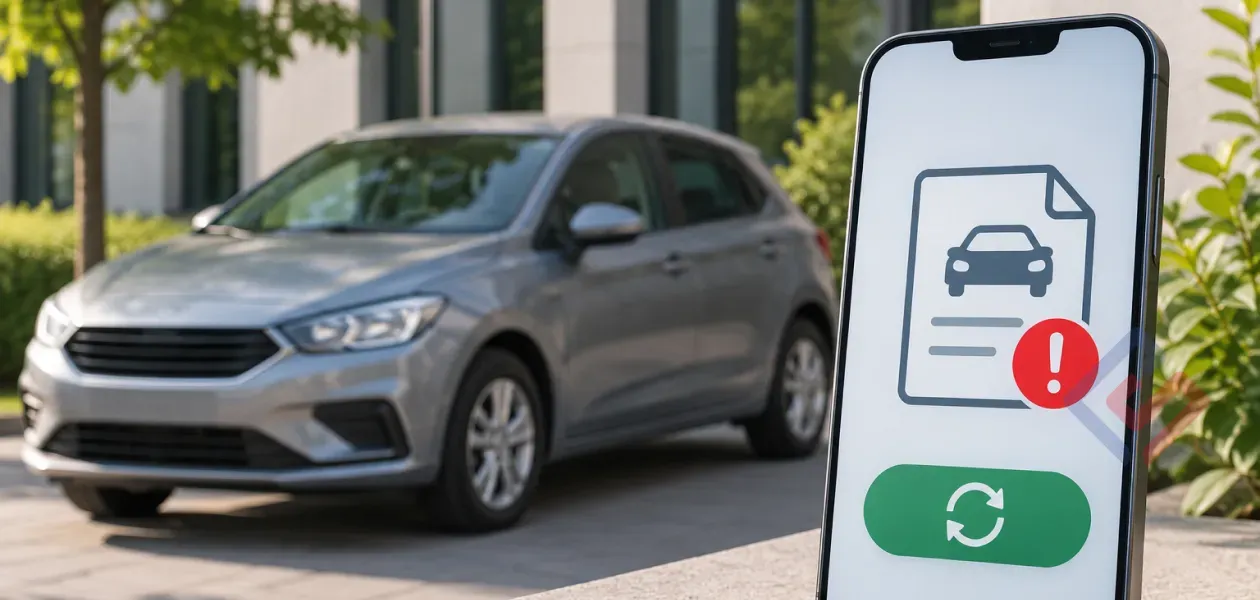
If you have paid for RCA but cannot see the policy when checking RCA Data, this does not necessarily mean the insurance was not issued. First, check the vehicle details, registration certificate information and the policy start date. If the information is correct but the contract still does not appear in the system, contact the insurer or broker to confirm the policy status.
After purchasing RCA in Moldova, many drivers also check the policy through the official RCA Data system. This can be useful because the database may show the insurance company, contract number, start and expiry dates, and other information about compulsory motor insurance.
However, sometimes the following situation occurs: the payment has been completed, the electronic document has been received or the purchase has been confirmed, but the system does not show the expected policy.
In this situation, the most important thing is not to purchase a second RCA immediately and not to assume that the first contract is invalid. First, several points should be checked step by step.
When should RCA appear in the system?
Compulsory motor insurance policies in Moldova are issued through the state information system RCA Data.
This system processes applications, contracts, RCA policies and information related to compulsory motor liability insurance.
Under the system rules, RCA policy details are entered into the records when the insurance contract is concluded. Therefore, once the purchase process has been completed correctly, the contract information should be available in RCA Data.
You can check the status through the official RCA.BNM.MD portal.
It is important to distinguish between three different stages:
- payment;
- conclusion of the contract;
- start of insurance coverage.
The fact that money has been charged to your bank card is not, by itself, proof that every stage has been completed correctly. After payment, it is worth making sure that you have received the policy and that the details match the vehicle.
If RCA was arranged through Superpolis.md and you are unsure about its status, you can contact the broker to confirm whether the contract has been fully issued.
First, check which details you are entering
One of the simplest reasons why an RCA policy “cannot be found” is an error when entering the details during the check.
The official RCA.BNM.MD service allows you to check the policy using vehicle information.
For the most accurate check, it is recommended to use:
- the vehicle registration number;
- the vehicle’s IDNV code — the 13-digit code shown on the reverse side of the vehicle registration certificate.
The check can also be performed using the registration certificate number. However, more than one registration certificate may be issued for the same vehicle over time, so the IDNV provides a more precise way to identify the vehicle itself.
For this reason, it is best to copy the information directly from the registration certificate and, where possible, use the vehicle registration number together with the IDNV code.
A single incorrect digit may be enough for the system to fail to find the correct contract.
You can read more about checking an active policy in the article “How to check an RCA policy online: validity, dates and what to do if the insurance has expired”.
Check the RCA start date
Another common source of confusion is the assumption that the policy becomes active as soon as payment is made.
However, the payment date and the start date of insurance coverage are not necessarily the same.
What matters is the start date stated in the RCA contract.
For example, you may arrange the policy today but choose for it to start tomorrow or on the date your previous insurance expires.
This is particularly important if the previous RCA has already expired. In such cases, the new policy generally starts no earlier than the following day.
After the policy is issued, open the electronic document and check:
- the start date;
- the expiry date;
- the contract number;
- the insurance company;
- the vehicle details.
If the start date has not yet arrived, this does not mean the policy was issued incorrectly. However, the vehicle cannot be considered insured before the coverage begins.
If you need a new policy and want to avoid a gap between contracts, you can calculate and arrange RCA through Superpolis.md.
Check the vehicle and owner details in the policy
If you are entering the search details correctly, the next step is to compare the electronic policy with the vehicle documents.
Pay attention to:
- the vehicle registration number;
- the registration certificate number;
- the owner’s details;
- the personal IDNP or IDNO for a legal entity;
- the vehicle make and model;
- the contract number;
- the validity dates.
Identification details are particularly important.
For example, an error in the registration certificate number may cause the policy to be linked to different details from those you are using for the search.
The same applies to the personal identification code.
That is why, before paying for RCA, it is important to check carefully the owner and vehicle information shown by the system.
If you notice an error after the policy has already been issued, do not try to edit the PDF yourself. Contact the insurer or broker.

What to do if payment was completed but the policy was not received
Not receiving the policy by email and not seeing it in RCA Data are two different situations, although they may occur at the same time.
If the money has been charged but you have not received the document:
- Check your Spam, Promotions and other email folders.
- Make sure the email address entered during purchase was correct.
- Check the bank transaction — the payment should be completed, not still pending.
- Do not purchase a second policy immediately.
- Contact the service through which you arranged RCA.
Making another purchase before checking the first order may result in an unnecessary second payment or duplicate issuance.
You can read more about what happens after an online purchase in the article “Electronic insurance policy in Moldova: how to receive, download and check it after buying online”.
What to do if you have the PDF but RCA Data does not show the policy
This is a situation that requires closer attention.
If you have received the electronic policy, the information in it appears correct, but the contract still cannot be found when you enter the correct vehicle details, it is best to clarify the situation.
Follow these steps:
1. Check the details again.
Do not enter numbers from memory. Compare every character with the registration certificate and the policy.
2. Check the validity period.
Make sure you are looking at the contract that applies to the current period.
3. Check the payment status.
The transaction should be fully completed.
4. Contact the broker or insurer.
Provide the contract number, vehicle details and information about how the policy was arranged.
5. If necessary, contact RCA Data technical support.
The National Bank of Moldova provides the following number for RCA Data technical support: +373 22 822 105. Current contact details are published on RCA.BNM.MD.
If the policy was arranged through Superpolis, it is usually easier to contact the broker first. A specialist can check the order and communicate with the insurer.
Should you drive before the issue is clarified?
If you are not sure that the contract has been issued correctly and that the insurance coverage is already active, it is safer to confirm the status first.
A valid RCA policy is required for a vehicle to participate in road traffic.
A payment receipt alone does not replace confirmation that the insurance contract was issued correctly and that its validity period has started.
If the issue appears immediately before a trip, it is better to resolve it before leaving rather than assume that the missing policy is only a display error.
How to reduce the risk of this problem next time
Most issues are easier to prevent before payment.
Before confirming the order, check:
- IDNP or IDNO;
- registration number;
- registration certificate number;
- vehicle owner;
- vehicle details;
- RCA start date;
- email address and phone number.
After payment:
- wait until the policy is issued;
- save the PDF;
- open the document;
- check all details again;
- if necessary, verify the contract through RCA Data.
A final check takes only a few minutes but can help identify an error before a roadside check or an insured event.
FAQ
Why did I pay for RCA but cannot see the policy in the database?
Possible reasons include incorrect details entered during the check, an error in the policy information, an incomplete issuance process or another issue that needs to be clarified with the insurer or broker. First, compare the vehicle registration number and registration certificate details with the documents.
Can a policy be issued today but start tomorrow?
Yes. You should check the start date stated in the contract. If the previous RCA has already expired, the new policy generally starts no earlier than the following day.
If the policy does not appear in the system, should I buy another one immediately?
No. First check the existing order, payment and entered details. Purchasing another policy without checking may result in duplicate issuance.
Where can I officially check RCA?
On RCA.BNM.MD. The service uses information from the state RCA Data information system.
What information does RCA Data show?
The check may display the insurance type, contract number, insurer, intermediary, start and expiry dates, and territory of coverage.
What should I do if there is an error in the electronic RCA policy?
Contact the insurer or broker through whom the contract was arranged. Do not edit the PDF yourself.
Who should I contact if the details are correct but the policy still does not appear?
First, contact the insurer or broker. The National Bank of Moldova also provides technical support for RCA Data-related issues.
Do not leave your RCA status unresolved
If RCA does not appear in the database after payment, check the following in order:
- the details used for the search;
- the information in the policy;
- the coverage start date;
- the payment status;
- whether the contract issuance was completed.
In most cases, these checks are enough to understand where the issue occurred and who you need to contact.
If RCA was arranged through Superpolis.md, the broker can help check the order status and clarify the information with the insurer.
→ Calculate and arrange RCA on Superpolis.md
→ How to check an RCA policy online
→ Officially check RCA through RCA.BNM.MD