



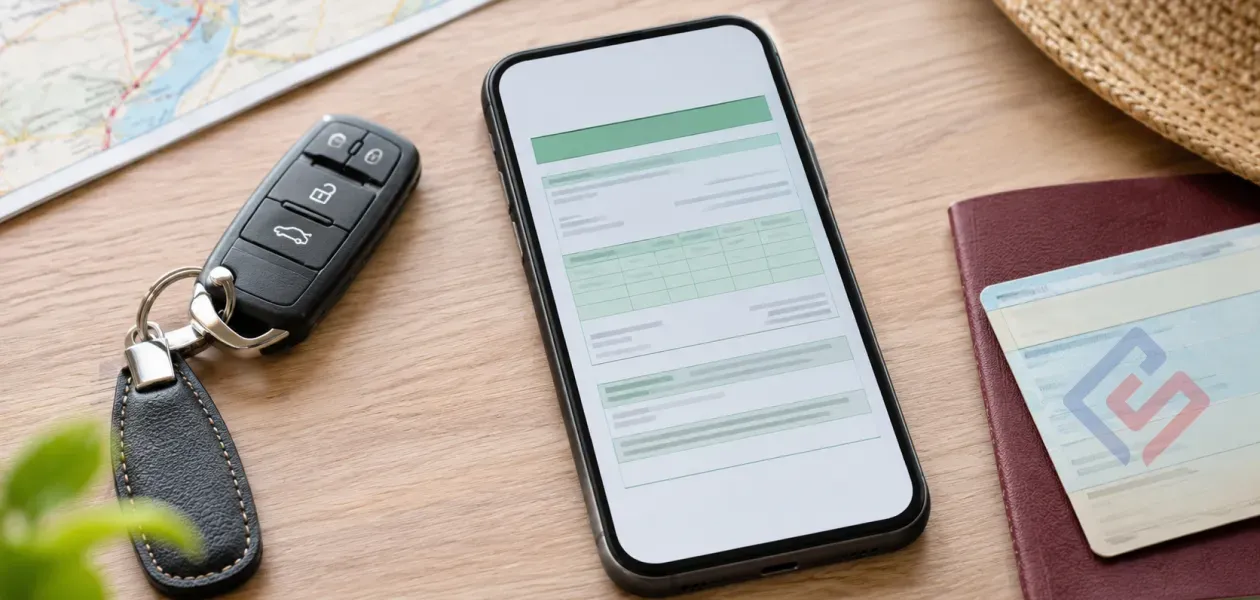
Since January 1, 2025, the Green Card can be presented electronically as a PDF directly from a phone, tablet or another device. Printing the document is not mandatory, but BNAA recommends keeping a paper copy as a backup — for example, if your phone runs out of battery, is lost or the file cannot be opened quickly.
If you are travelling abroad by car from Moldova, the Green Card is an important insurance document for the trip.
However, drivers now face a different practical question: is it enough to save the PDF on a phone, or will a paper version still be required at the border?
The short answer: the electronic PDF is sufficient, provided the document is valid, correctly issued and available to present when requested. At the same time, a printed copy is still useful as a backup.
If you have not yet arranged a Green Card for your upcoming trip, you can calculate the cost and take out the policy on Superpolis.md.
Electronic Green Card and paper version: what is the difference?
Since January 1, 2025, the International Green Card Insurance System has allowed the insurance certificate to be used in electronic PDF format.
According to the National Bureau of Motor Insurers of Moldova — BNAA:
- the Green Card can be stored electronically;
- the PDF can be shown on a smartphone, tablet or another technical device;
- printing the document on paper is no longer mandatory;
- the driver may choose whether to keep the document in digital or printed form.
At the same time, the paper version has not been abolished. Printed and electronic versions can be used in parallel.
Another important point: manually completed Green Card certificates have no longer been considered a valid format since January 1, 2025.
Can you show the Green Card PDF directly from your phone?
Yes.
The official rules allow the Green Card to be presented as an electronic PDF on a technical device, such as a smartphone or tablet.
This means that during a check, you do not necessarily need to provide a printed sheet. You can open the file on your phone and show the insurance certificate.
There is, however, one important practical detail.
It is better not to rely on the document being available only through email, a messenger app or cloud storage. If there is no internet connection at the place where the document is checked, this may cause unnecessary delays.
It is best to:
- download the PDF directly to your phone in advance;
- open the file before the trip and make sure it is displayed in full;
- save it in a folder that is easy to find;
- give the file a clear name, for example Green_Card_2026.pdf;
- keep an additional copy in your email or cloud storage.
What to check in your electronic Green Card before departure
Simply having the PDF does not automatically mean that everything in the document is correct.
Before travelling, open the certificate and check the details.
Pay particular attention to:
- vehicle registration number;
- owner’s details;
- start date of coverage;
- expiry date;
- territory or coverage zone;
- insurer details;
- readability of the document.
We recommend checking these details before departure so that any possible error can be corrected in advance. During a check, the information in the policy should match the vehicle documents.
The same applies to the validity period.
If your trip starts on November 15 but the Green Card only becomes valid on November 16, having the PDF itself will not solve the problem: the insurance will not yet be active when you cross the border.
When a printed copy is especially useful
Although printing is no longer mandatory, a paper version can still be useful in several situations.
A long trip through several countries
The longer the route, the more likely it is that the document may need to be shown more than once.
Travelling through areas with weak mobile coverage
If the PDF is not stored locally on your phone, a lack of internet connection may make it difficult to open the document quickly.
An old or unreliable phone
A flat battery, damaged screen or frozen device are common issues, but during a trip they can become a real inconvenience.
Several drivers
If the vehicle is driven by different people, it is practical to keep a printed copy in the car at all times.
An accident abroad
In the event of an insured incident, the Green Card may be needed not only when crossing the border, but also when communicating with the police, another road user or representatives of the Green Card system.
Is the electronic Green Card accepted in all countries of the system?
Since January 1, 2025, countries participating in the International Green Card System are required to accept an electronic PDF certificate presented by visiting drivers.
However, this does not remove the need to check the territory covered by your specific policy.
The electronic format answers the question of how you present the document.
The coverage zone answers a different question — where that particular policy is valid.
That is why, before travelling through several countries, you should check not only that you have the PDF, but also your entire route.
You can read more about territorial coverage in the article “Green Card for trips to Romania, Turkey and Ukraine: price and coverage comparison”.
What to do if you find an error in the PDF
Do not edit the document yourself.
If you notice an error in:
- the vehicle registration number;
- the owner’s name;
- the validity period;
- the coverage territory;
- other details,
you should contact the insurer or the broker through whom the Green Card was arranged.
Editing the PDF manually does not make the insurance document valid.
FAQ
Do I need to print the Green Card in 2026?
No. Since January 1, 2025, the Green Card can be presented as an electronic PDF. However, BNAA recommends keeping a printed copy as a backup.
Can I show the Green Card on my smartphone?
Yes. The PDF can be presented on a smartphone, tablet or another technical device.
Can I show a screenshot of the Green Card?
It is more practical to store and present the original PDF in full. This reduces the risk that part of the information is cropped or difficult to read.
What should I do if my phone runs out of battery?
If you have a printed copy, you can present it instead. This is exactly why BNAA recommends keeping a paper version as a backup.
Where can I arrange an electronic Green Card?
You can take out a Green Card online through Superpolis.md. After arranging the policy, check the details in the PDF and save the document on your device before travelling.
Prepare your Green Card before the trip
Before departure, it is worth spending a few minutes checking:
- whether the PDF has been downloaded to your device;
- whether it opens without an internet connection;
- whether the vehicle registration number is correct;
- whether the validity dates are correct;
- whether the coverage territory matches your entire route;
- whether you have a backup copy of the document.
If you want to reduce the risk of technical problems, simply keep one printed copy together with the vehicle documents.
If you do not yet have a Green Card, it is better to arrange it in advance, check the PDF and save the document before the trip.
→ Calculate and take out a Green Card on Superpolis.md